

Specialized Bosch Appliance Repair in San Francisco
Mon–Sat: 8:00 AM – 7:00 PM
Bosch cooktop touch controls ignoring your taps? Rule out lock, moisture, demo mode and power before you suspect the electronics.
When the touch controls on a Bosch cooktop stop answering, the quickest explanations are a control lock that is switched on, water or grease on the panel, hot cookware sitting too close, or a power-supply problem, and a failed control board comes last. Dry the panel, check for a lock indicator, and look at the display for any letters before you call anyone.
Many touch cooktops include a lock so that wiping the glass or a child’s hand does not start a zone. If a lock symbol is lit, follow your manual to release it. Separately, Bosch lists dE as demo mode activated, in which the controls respond but the cooking zones do not heat. The listed step is to switch off the breaker for 30 seconds. If the cooktop wakes up and the zones heat afterward, the cause was a setting, not a part.
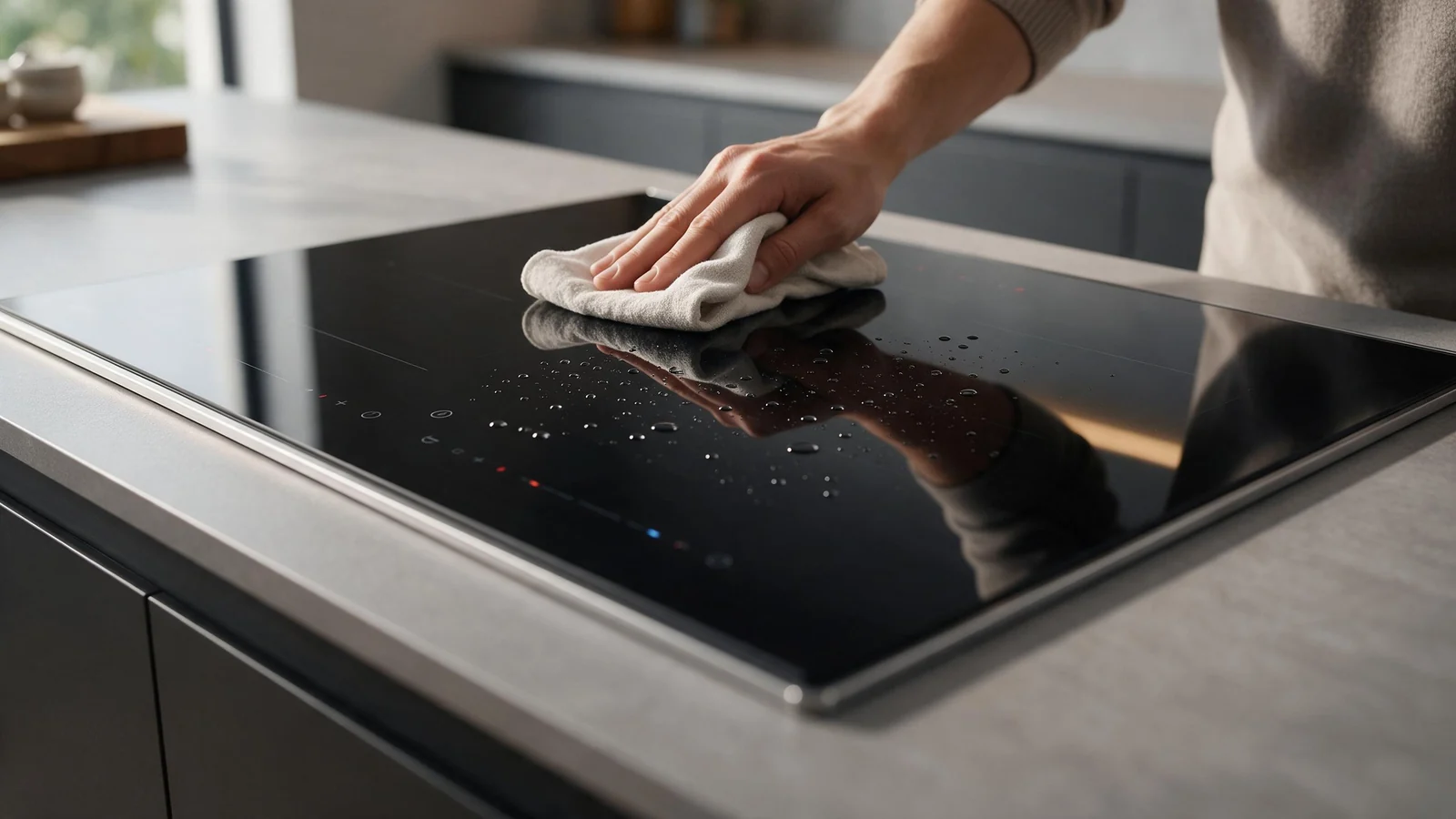
Capacitive sensors read the surface of the glass, so a film of water, a damp cloth left lying on the panel, or a line of grease can confuse them. Switch the cooktop off, wipe the panel with a slightly damp cloth, dry it completely with a soft towel, wait a minute, and try again. Try with a clean, dry fingertip and a firm, brief touch rather than a long press. Steam rising from a pot placed next to the controls can have the same effect, so check how your cookware sits.
Bosch lists F5 as hot cookware near the control panel, with the electronics at risk of overheating or the zone switched off, and the listed step is to remove the cookware from the control panel. A pan that overhangs the controls is a very ordinary cause of unresponsiveness on a busy hob. Likewise F4 means electronics overheated with all zones switched off; the listed fix is to wait for cooling and then touch any control. If the controls only come back after a rest, heat is part of the picture.
The F8 message is another one that sounds worse than it is: a zone ran too long without interaction, an automatic time limit triggered, and touching any control lets you set the zone again.
A cooktop that is not receiving a clean supply may show nothing at all or behave erratically. Bosch lists U400 as supply voltage incorrect, outside the normal operating range, with the instruction to contact your electrical utility provider. Check that the breaker is on, and whether other appliances on the same circuit behave normally. Do not open the cooktop or its junction box to look.
Writing down which step changed the behaviour, even slightly, gives a technician a head start that no parts list can.
Controls look and behave differently from one model to the next, so tell us which one you have. The NET8069UC, a 30-inch electric cooktop in the 800 Series, lists dimensions of 4 x 31 x 21 1/4 inches (height x width x depth) and a bridge element for elongated cookware, while the HIS5057U, a 500 Series induction freestanding range, lists a 29 15/16-inch width and a 36-inch height. A range puts the oven and controls close together, so oven heat can reach the panel in a way it will not on a drop-in cooktop.
If the panel stays dead after drying, cooling and a breaker reset, it needs testing. Do not keep pressing the controls or resetting the breaker repeatedly.
We confirm supply at the unit, inspect the glass and panel for damage or moisture, test the control response, and read any stored fault before judging whether a part is at fault. See our cooktop repair page for what we handle. When you book, have the model and serial number from the rating label, any letters shown, whether the controls fail all the time or only when warm, and whether it began after cleaning, a spill or a power cut.
Heat can trip protection or make the sensors unstable. If the controls come back after a rest, note how long you cooked first and tell us, since it points to heat rather than a fixed fault.
Bosch lists dE as demo mode activated, where the zones do not heat. Switch off the breaker for 30 seconds as Bosch advises; if dE returns, book a check.
Yes. Moisture on the glass can confuse the sensors, so dry the panel fully and try again with a clean fingertip.
Share a few details and we’ll confirm an appointment. Prefer to talk? Call us and we’ll help right away.